
Data Cabling Installation Mistakes That Affect Performance
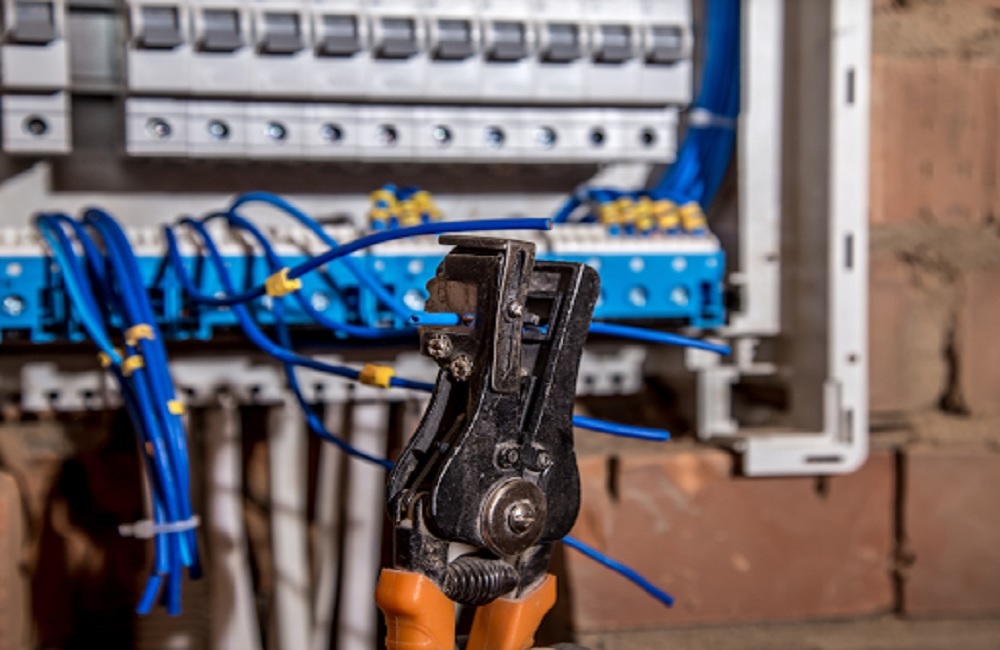
A reliable business network starts with properly installed cabling. Poor cable selection, routing, handling, termination, and testing can cause connectivity problems and make troubleshooting difficult. Wiredoptics provides professional data cabling installation to support dependable network infrastructure and reduce avoidable cabling issues.
Well-planned cabling can also make network maintenance easier and provide a more organized foundation for future changes. With the right installation approach, businesses can support consistent connectivity and keep their network infrastructure easier to manage.
Why Data Cabling Installation Matters
Business networks rely on properly installed cabling to connect computers, phones, servers, wireless access points, security systems, and other network devices. Poor installation can cause connectivity problems and make network maintenance harder.
Cables can also be affected by physical handling during installation. Excessive pulling, sharp bends, crushing, poor routing, or improper termination can damage cabling or affect its performance, making proper installation an important part of reliable network infrastructure.
Choosing the Wrong Cable for the Application
Selecting cable based only on price or availability can create problems later.
Cat5e, Cat6, Cat6A, and fiber optic cabling have different characteristics and applications. The appropriate choice depends on factors such as network equipment, required performance, distance, installation environment, and future requirements.
For example, copper cabling may be suitable for many workstation connections, while fiber can be appropriate for longer links or applications requiring higher bandwidth.
Before selecting a cable, consider:
- Current network equipment
- Required data rates
- Cable distances
- Installation environment
- Potential interference
- Building layout
- Future network requirements
This does not mean every business requires fiber throughout its building. Instead, cable selection should be based on the requirements of the specific network.
Ignoring the Building Layout Before Installation
Running cable without properly planning the building can lead to inefficient routes and difficult maintenance.
Before installation begins, consider where employees work, where network equipment will be located, where wireless access points are needed, and how cables will travel between rooms or floors.
A cabling plan should identify:
- Network and equipment room locations
- Required data outlets
- Cable pathways
- Patch panel locations
- Vertical and horizontal routes
- Areas that may need additional connections
Poor planning can result in unnecessarily long cable runs, congested pathways, difficult access, and additional installation work.
A site assessment also helps identify existing infrastructure and potential obstacles before cables are installed.
Pulling Cables With Too Much Force
Network cable can be damaged during installation if it is handled too aggressively.
Excessive pulling tension can affect the internal structure of a cable. Sharp bends, crushing, and improper handling can also cause performance problems even when the damage is not immediately visible.
Cables should be routed and supported without unnecessary strain, while bend-radius requirements should be followed according to the cable manufacturer’s specifications.
This is particularly important around racks, patch panels, ceilings, and cable pathways where large bundles may be installed.
A damaged cable may not fail immediately. It can instead cause intermittent connectivity or fail testing after installation.
Poor Cable Management
Poor cable management can make a network difficult to maintain and troubleshoot. Tangled, unsupported, or poorly routed cables can be harder to trace and may be damaged when nearby connections are serviced.
Good cable management should include:
- Clear cable routing
- Proper cable support
- Consistent labeling
- Neat cable dressing at racks and patch panels
- Avoiding excessive tension and sharp bends
- Keeping access to equipment and connections clear
Proper management protects cables from unnecessary stress and makes individual connections easier to identify. It also helps technicians work on the network without unnecessarily disturbing other connections.
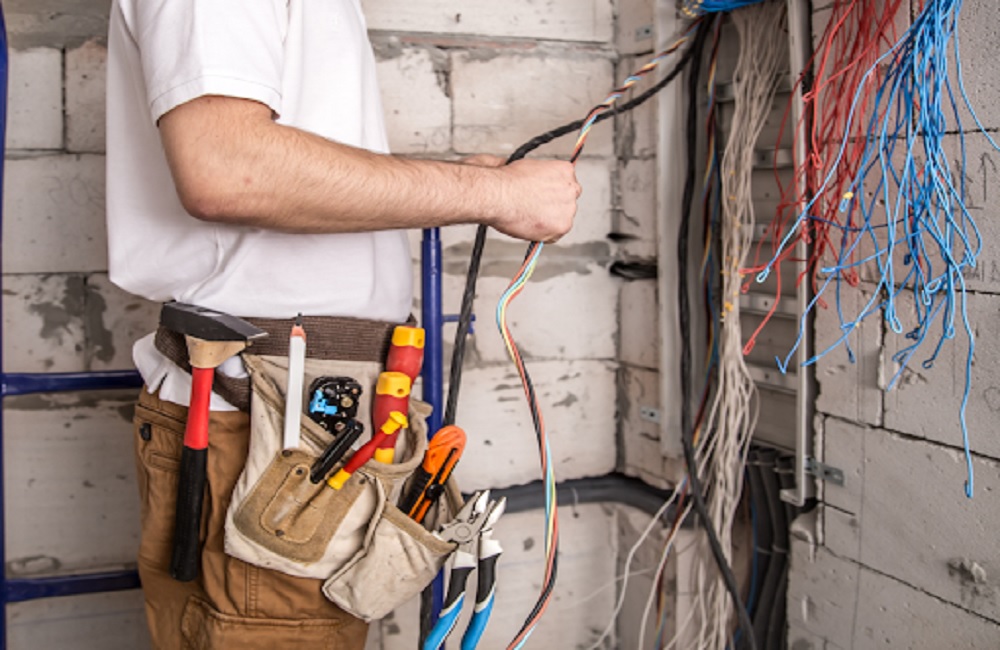
Failing to Label Cables Clearly
Unlabeled cables can turn a simple troubleshooting task into a time-consuming process.
When multiple cables look similar, technicians need a reliable way to determine which cable connects to each outlet, patch panel port, or network device.
A consistent labeling system should be established during installation rather than added later.
Clear identification becomes especially useful when:
- Equipment is relocated
- New connections are added
- Network hardware is replaced
- A connection needs troubleshooting
- Maintenance is required
Cable labels should correspond with installation documentation so the physical network can be understood after the project is complete.
Skipping Proper Testing
Installing a cable does not automatically confirm that the connection is performing as intended.
Testing should be included as part of the installation process. It can help identify:
- Incorrect terminations
- Wiring faults
- Damaged cables
- Connection problems
- Installation issues
- Performance concerns
Without appropriate testing, a cabling problem may only become apparent after employees begin experiencing connectivity issues. Testing also helps confirm that completed cable runs are functioning as expected before the network is put into regular use.
Running Data Cables Without Considering Interference
Cable placement can affect network reliability.
Data cables may need to be routed carefully around electrical systems and other potential sources of interference. The appropriate installation method depends on the cable type, building conditions, pathways, and applicable requirements.
This is why cable routing should be considered during the planning stage rather than decided after installation has already begun.
A proper site assessment can help identify potential routing challenges and determine appropriate pathways before work starts.
Overlooking the Network Room
The network room or telecommunications space often contains a high concentration of cabling and equipment.
Poor installation practices in this area can make connections difficult to trace, restrict access, and complicate future maintenance.
The installation should account for:
- Rack positions
- Patch panels
- Cable pathways
- Cable identification
- Cable management
- Equipment access
- Future connections
A poorly organized network room can make otherwise manageable cabling issues harder to diagnose.
Keeping connections organized and accessible provides a better working environment for future maintenance and network changes.
Installing Only for Today's Requirements
Installing cabling without considering reasonable future requirements can limit the usefulness of the infrastructure.
A business may add employees, relocate departments, install additional wireless access points, or introduce new network-connected equipment after the original installation.
This does not mean installing unnecessary cables. Instead, future requirements should be considered when planning pathways, rack capacity, cable types, and connection points.
A well-planned installation should provide enough flexibility for reasonable changes without requiring major modifications to the existing infrastructure.
What a Proper Data Cabling Installation Should Include
A reliable installation begins with planning and continues through testing and documentation.
A practical process includes:
- Assess the site
Review the building, existing infrastructure, equipment locations, pathways, and connection requirements. - Determine cabling requirements
Select appropriate cable types based on equipment, distances, performance requirements, and installation conditions. - Plan cable routes
Identify suitable pathways and account for building conditions and other infrastructure. - Install and handle cables correctly
Avoid excessive pulling force, sharp bends, crushing, and unsupported runs. - Terminate and label connections
Make consistent terminations and identify each cable clearly. - Test completed connections
Check the installation against the applicable requirements for the cabling system. - Document the installation
Record connection information so the network can be maintained and understood later.
These steps help reduce installation-related problems and provide a more dependable physical foundation for business connectivity.
Frequently Asked Questions
What are the most common data cabling installation mistakes?
Common mistakes include selecting unsuitable cable, poor pathway planning, excessive pulling force, sharp bends, poor cable management, inadequate labeling, and failing to test completed connections.
How does poor cabling affect network performance?
Poor installation can contribute to unreliable connections, intermittent connectivity, connection failures, and difficult troubleshooting. Damaged or improperly terminated cables can also prevent a connection from performing as expected.
How do you properly install data cables?
Proper installation begins with a site assessment and cabling plan. It should include suitable cable selection, planned pathways, careful handling, proper termination, clear labeling, testing, and documentation.
When should business network cabling be replaced?
Replacement may be appropriate when cabling is damaged, poorly documented, difficult to maintain, unsuitable for current network equipment, or no longer meets the business’s requirements. An assessment can help determine whether replacement or targeted repairs are appropriate.
Is Cat6 better than Cat5e for a new installation?
The appropriate choice depends on the network and installation requirements. Cat6 can support higher performance than Cat5e in suitable installations, while Cat6A may be appropriate for applications requiring 10-gigabit performance over standard horizontal cabling distances. Cable selection should consider the equipment, environment, distance, and project requirements.
Plan Your Data Cabling Installation Properly
Reliable network performance depends on more than the switches, routers, and devices connected to the network. The physical cabling must also be appropriately selected, routed, installed, labeled, tested, and documented.
Avoiding common cabling installation mistakes can reduce installation problems and make future maintenance easier.
For commercial network infrastructure in Nashville and across Tennessee and Kentucky, Wiredoptics can assess your cabling requirements and help plan an installation suited to your building and network needs.
Start with a professional assessment to identify the appropriate cabling, pathways, connection points, and requirements for your data cabling installation project.