
What Is Network Infrastructure and How Does It Work?
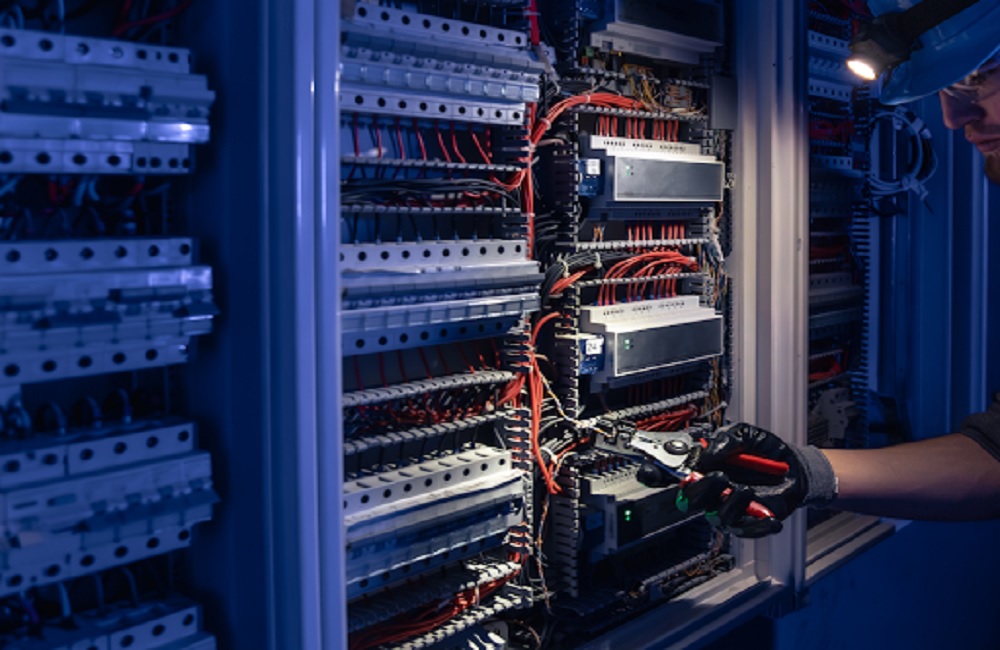
Network infrastructure is the foundation that allows devices and technology systems in a business to communicate. It includes physical cabling, fiber connections, network rooms, racks, patch panels, wireless access points, and related low-voltage infrastructure that support business connectivity.
A well-planned system connects different parts of a commercial property while providing an organized foundation for current technology and future changes. Wiredoptics provides commercial network infrastructure solutions that support businesses with structured cabling, fiber, Wi-Fi, and related low-voltage systems.
What Is Network Infrastructure?
Network infrastructure is the collection of physical systems and components used to connect devices and technology throughout a building.
In a commercial environment, it can include:
- Structured Ethernet cabling
- Fiber optic cabling
- Network racks and cabinets
- Patch panels
- Cable pathways
- Network rooms and closets
- Wireless access points
- Cabling for systems such as security cameras and access control
These components provide the connections that allow business technology to communicate. They can support computers, phones, wireless devices, cameras, access control systems, conference room technology, and other connected equipment.
What Are the Main Components of Network Infrastructure?
The physical components connect devices and support communication throughout a commercial building. The right combination depends on the facility, connected systems, and project requirements.
Structured Cabling
Structured cabling provides wired connections throughout a building. Cat5e, Cat6, and Cat6A cabling can support network drops for computers, phones, wireless access points, cameras, and other connected systems.
A professional installation considers cable routes, termination, patch panels, labeling, testing, and organized pathways.
Fiber Optic Cabling
Fiber optic cabling uses light to transmit data and is commonly used for network backbones, longer-distance connections, and links between buildings or network locations.
Fiber services can include installation, termination, fusion splicing, testing, troubleshooting, and repair for commercial applications.
Network Racks and Patch Panels
Network racks provide an organized location for cabling and related network equipment. Patch panels provide termination points for structured cabling and help keep connections organized.
Proper labeling, cable management, and connection identification make the infrastructure easier to maintain and service.
Network Rooms and Closets
Network rooms and closets provide dedicated spaces for organizing network equipment and cabling. They can include racks, patch panels, structured cabling, pathways, cable management, labeling, and connection identification.
Planning should account for rack capacity, cable pathways, service access, equipment coordination, and future growth.
Wireless Access Points
Wireless access points provide Wi-Fi connectivity for laptops, smartphones, tablets, scanners, and other wireless devices. They connect to the wired network through planned cabling.
Access-point placement should consider the building layout, coverage requirements, device density, and network capacity to provide reliable wireless connectivity.
How Does Network Infrastructure Work?
Network systems connect business devices through reliable wired and wireless connections.
Computers can connect through Ethernet cabling, while laptops and smartphones can connect through wireless access points. Fiber optic cabling can also link network rooms or buildings over longer distances.
Together, these components create an organized system that supports smooth communication and connectivity across a business.
Why Does It Matter for Businesses?
Reliable connectivity helps businesses keep their technology connected and organized. A commercial system can support:
- Computers and workstations
- Business Wi-Fi
- Voice and telephone systems
- Security cameras
- Access control systems
- Conference room technology
- Cloud-connected devices
- Printers and other networked equipment
Well-planned cabling, organized network rooms, labeled connections, and suitable pathways make the system easier to maintain and support as the business grows.
How Should a Business Plan Its Technology Setup?
Effective planning starts with the building, its technology needs, and future requirements.
1. Assess the Building
Review the layout, existing cabling, equipment locations, communication rooms, and available cable pathways.
2. Identify Technology Requirements
Determine which devices and systems need connections, such as computers, phones, Wi-Fi access points, cameras, and access control systems.
3. Plan Cabling and Equipment Rooms
Plan copper and fiber routes, rack space, patch panels, cable organization, and access for future changes or expansion.
4. Plan Wireless Connections
Determine access point locations based on the building layout, coverage requirements, expected device usage, and available connections.
What Does Installation Involve?
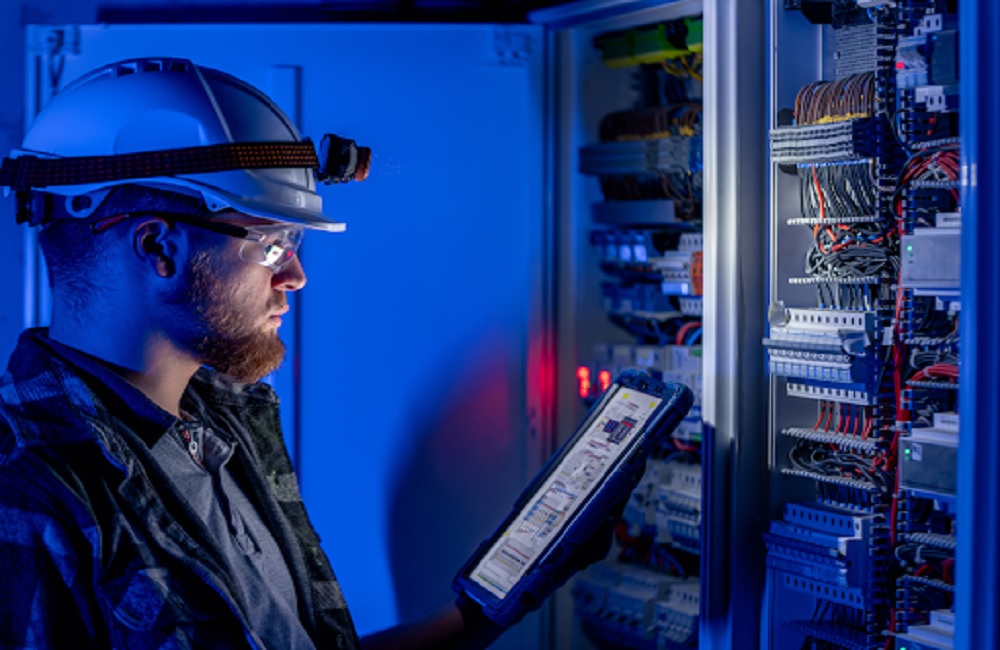
Commercial installation involves putting the planned cabling and low-voltage infrastructure in place.
A project may include:
- Installing structured copper and fiber cabling
- Installing cabling for wireless access points
- Organizing racks and patch panels
- Labeling and managing cables
- Testing connections
- Documenting the completed work
The exact scope depends on the building, technology requirements, and project specifications. Proper installation and organization help create a reliable, scalable, and easier-to-maintain system.
When Should a Business Consider an Upgrade?
A business may benefit from reviewing its existing setup when it no longer meets its connectivity, performance, or expansion needs.
Common reasons for an assessment include:
- Outdated or damaged cabling
- Poorly organized equipment racks
- Difficulty identifying cable connections
- Adding new devices or wireless access points
- Facility expansion or office relocation
- Installing cameras or access control systems
- Expanding or reorganizing a communication room
- Changes in building layouts or technology requirements
An assessment does not always mean replacing the entire setup. Existing components may be suitable for reuse, reorganization, expansion, or repair depending on the condition of the equipment and the project’s requirements.
What Should You Look for in a Contractor?
Choose a contractor with commercial experience in:
- Structured cabling
- Fiber optic installation
- Network rooms and equipment racks
- Wireless access point cabling
- Cable testing and labeling
- Commercial low-voltage projects
The contractor should understand the building, clearly explain the project scope, and plan the installation based on the facility’s layout, technology requirements, and future needs. Experience with commercial projects can also help ensure that cabling, equipment, and connections are properly installed, organized, and documented.
Frequently Asked Questions
What is the physical foundation of a business network?
It is the physical foundation that connects devices and technology systems. It can include structured cabling, fiber optic cabling, communication rooms, equipment racks, patch panels, and wireless access points.
What are the main components?
Common components include copper and fiber cabling, equipment racks, patch panels, cable pathways, communication rooms, and wireless access points.
How does a business network work?
A business network provides wired and wireless connections between devices. Ethernet cabling supports wired connections, while wireless access points provide Wi-Fi connectivity.
Is network cabling part of the physical setup?
Yes. Cabling is a key part of the physical setup. It provides wired connections for computers, wireless access points, cameras, phones, and other connected systems.
Why is fiber used?
Fiber is commonly used for longer-distance connections, network backbones, building-to-building links, and applications that require high-capacity connections.
What is a network room?
A network room or closet is a dedicated space for organizing network equipment and cabling. It may contain racks, patch panels, structured cabling, pathways, and cable management components.
Build a Better Connectivity Foundation
A well-planned connectivity system provides the connections businesses need for reliable technology. Structured cabling, fiber, wireless access points, racks, patch panels, and network rooms work together to support an organized and scalable system.
Professional installation can help businesses establish reliable connections while keeping cabling organized and allowing room for future expansion.
Wiredoptics provides commercial cabling and low-voltage services for businesses that need reliable, organized connectivity. If you’re searching for network cabling near me, consider a professional team that can assess your facility and plan the right solution for your needs.